
당신의 웹사이트에 대회를 보여주세요
브래킷, 시간표, 순위를 웹에 삽입
코드 복사 한 번이면, 어디서든 대회 정보를 실시간으로 표시할 수 있습니다.
HTML 코드 복사만으로 완료.

How embedding works
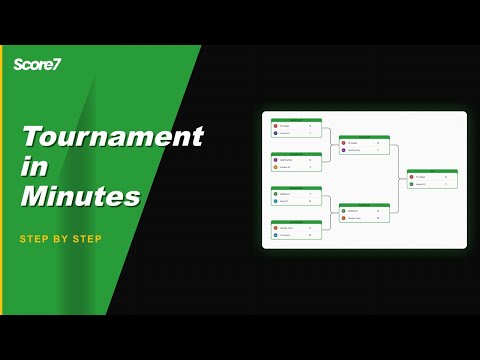
Copy your embed snippet
Create or open your tournament, choose the view, and copy the provided embed code.
Paste and customise
Paste into your page builder or CMS. Pick default tab (bracket, fixtures, standings) and adjust size/theme.
Why embed your tournament
Keep fans on your site
Share results where your audience already is: your website, blog or event page.
Always live, no manual updates
The embed refreshes as you enter scores, so brackets and tables stay current automatically.
Pick the view that matters
Load the embed on the tab you prefer (bracket, fixtures or standings) so visitors see the most relevant info first.
Frequently asked questions
Yes. Copy the embed code from the share menu and paste it into your site. The iframe shows the live bracket, schedule and standings, and updates as you enter results.
Yes. The embed is a standard iframe so it works on any platform that allows custom HTML. Tested setups include Wix, Squarespace, WordPress, Webflow and Shopify. The bracket sizes itself to the container width and stays readable on phones too.
Yes. Pass theme=auto, theme=light or theme=dark in the embed URL and the iframe picks the matching colour scheme. The auto theme picks light or dark based on the visitor system setting, so the embed feels native to the host site.
관련 페이지
실시간 점수 공유
모든 기기에서 확인 가능한 실시간 점수 페이지를 제공하여, 관중과 참가자 모두 최신 정보를 받을 수 있습니다.
순위표 커스터마이징
기본 순위 기준을 넘어서, 팀/경기 특성에 맞춘 순위 계산 및 표시 방식을 구성할 수 있습니다.
업데이트됨
대회를 시작할 준비가 되셨나요?
이미 20,000명 이상의 주최자가 Score7을 사용하고 있습니다.
Starter 요금제로 시작
신용카드 불필요
2분 이내 설정 완료