
プレミアム
TVモード:どんな画面でも大会を表示
会場のスマートTV、Chromecast、ラップトップHDMI接続、タブレットで順位表、トーナメント表、ライブ結果を自動切り替え.
ライブ更新、ブランドカラー、9言語対応。

使い方
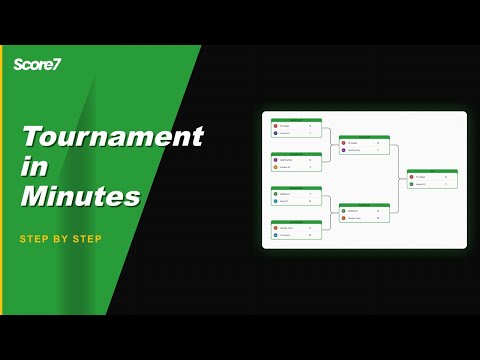
サイドバーからTVモードを開く
任意の大会内でTVモードを選び、切り替える表示を選択します。
キャストまたは接続
スマートTVブラウザでURLを開く、Chromecastでキャスト、またはHDMIでラップトップを接続。
大会のサイドバーからTVモードを開き、切り替える表示(順位表、試合、結果、トーナメント表)を選び、HDMIディスプレイ、Chromecast、スマートTVブラウザに投影します。ライブ更新で画面は常に最新、ブランドカラーで一貫した印象を保ちます。.
詳細を見る
TVモードが重要な理由
大画面向けに設計
順位表、トーナメント表、ライブ試合を自動切り替えし、会場のディスプレイで大会の全体像を伝えます。
ライブ更新
スマホで採点すると同時に更新。手動リロードも、古い画面表示もありません。
ブランドに沿った表示
大会のカラーとロゴを継承。イベントに合った表示と切り替え順を選択できます。
Frequently asked questions
TV mode shows the live bracket, the next matches, current scores and the standings in a clean full-screen layout. It refreshes automatically so a screen at the venue stays current without anyone touching it.
Yes. Open the TV mode link in any browser on the screen. Works on smart TVs with a browser, on a laptop hooked up via HDMI, or on a tablet wall-mounted at the entrance.
Yes. Scores, brackets and standings update automatically as you enter results from your phone or laptop. The screen at the venue stays in sync without any manual refresh.
TV mode is part of the Premium plans. The Starter plan includes the regular public link, which works on any screen but without the dedicated full-screen layout.
関連ページ
クラブ・連盟・競技会向け
Score7は、本格的な大会を運営する組織のためのツール。アクセス権管理、フォーマット設定、データ操作を簡単に行えます。
スコアの共有
ライブでスコアを共有することで、誰でも最新情報にアクセス可能になります。
更新
大会を始める準備はできましたか?
すでに20,000人以上の主催者がScore7を利用しています。
Starterプランからスタート
クレジットカード不要
2分以内にセットアップ完了