
大会をオンラインで可視化
トーナメントをWebサイトに埋め込む
スコア・順位・対戦表などをコード一つで共有可能。どのページにも対応。.
コピペだけで埋め込み完了。

How embedding works
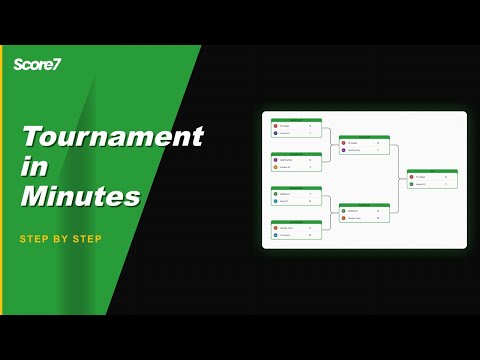
Copy your embed snippet
Create or open your tournament, choose the view, and copy the provided embed code.
Paste and customise
Paste into your page builder or CMS. Pick default tab (bracket, fixtures, standings) and adjust size/theme.
学校、スポーツ団体、地域コミュニティなど、自分の大会をオンラインで見せたい人に最適。.
詳細を見る
Why embed your tournament
Keep fans on your site
Share results where your audience already is: your website, blog or event page.
Always live, no manual updates
The embed refreshes as you enter scores, so brackets and tables stay current automatically.
Pick the view that matters
Load the embed on the tab you prefer (bracket, fixtures or standings) so visitors see the most relevant info first.
Frequently asked questions
Yes. Copy the embed code from the share menu and paste it into your site. The iframe shows the live bracket, schedule and standings, and updates as you enter results.
Yes. The embed is a standard iframe so it works on any platform that allows custom HTML. Tested setups include Wix, Squarespace, WordPress, Webflow and Shopify. The bracket sizes itself to the container width and stays readable on phones too.
Yes. Pass theme=auto, theme=light or theme=dark in the embed URL and the iframe picks the matching colour scheme. The auto theme picks light or dark based on the visitor system setting, so the embed feels native to the host site.
更新
大会を始める準備はできましたか?
すでに20,000人以上の主催者がScore7を利用しています。
Starterプランからスタート
クレジットカード不要
2分以内にセットアップ完了